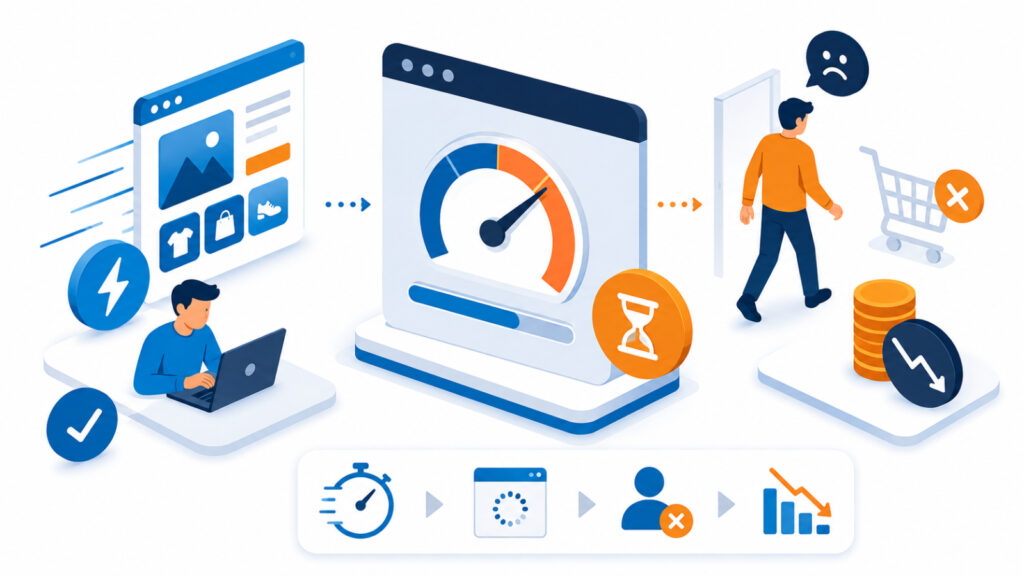
You have three seconds. That is roughly how long a visitor will wait for your website to load. After that, they lose patience and go elsewhere, often straight to a competitor a search result away. For a small business in Kenya paying for traffic, a slow website loading speed does not just annoy visitors. It quietly cancels out the marketing spend that brought them there in the first place.
Most business owners think about their website in terms of design. Does it look professional? Does it list the right services? Loading speed rarely makes that list. Yet it decides whether anyone sticks around long enough to notice the design at all.
Why website loading speed matters more than you think
Speed affects two things at once: how visitors behave and how search engines rank you. Research from Google has found that as load time increases from one second to a few seconds, visitors abandon the page far more often. If your site takes five or six seconds to load on mobile, a large share of visitors never see your homepage at all. Mobile matters here because it is how most Kenyan customers will find you.
Google also uses page experience signals, known as Core Web Vitals, as part of how it ranks websites. A slow site can therefore rank lower than a faster competitor, even with equally good content. So speed is not a cosmetic detail. It is a business metric that sits upstream of both conversions and visibility.
A beautifully designed website that loads slowly is, from a visitor’s perspective, indistinguishable from a broken one.
What’s actually slowing your site down
Before fixing anything, it helps to know where the time goes. In practice, a handful of causes account for most website loading speed problems.
- Oversized images. A photo straight from a phone camera can be several megabytes. On a webpage it should usually be a few hundred kilobytes at most.
- Too many plugins or scripts. Each one adds a small delay. On WordPress sites especially, plugins pile up over time without anyone auditing them.
- Cheap or overloaded hosting. If your account shares limited resources with hundreds of other sites, your pages will lag no matter how well the site is built.
- No caching or compression. Without these, the server rebuilds and resends the same page from scratch for every visitor.
Usually it is not one dramatic problem. It is a combination of small ones, which is actually good news, because each one is fixable without a full rebuild.
How to test your website loading speed
You do not need to guess. Free tools exist that measure your load time and flag specific issues. For example, a report might show that a single oversized banner image is adding two full seconds to your homepage. Run the test on both desktop and mobile. Mobile results usually matter more, since that is how most Kenyan visitors browse. Test your homepage and a couple of inner pages too, because speed problems are not always uniform across a site.
Quick wins to speed up your site
Once you know where the delays are coming from, most fixes are straightforward. In fact, a business owner with no technical background can handle the first three items below without hiring anyone.
- Compress and resize images before uploading them, rather than letting the browser shrink an oversized file.
- Remove plugins or widgets you are not actively using, especially ones added for a one-off task months ago.
- Turn on caching, either through your hosting control panel or a caching plugin if you run WordPress.
- Review your hosting plan. A plan that fit a five-page brochure site may no longer fit an active online store.
That last point is worth pausing on. It is the one factor entirely outside your website’s own code. No amount of image compression fixes a server that is overloaded or far from your customers. If you have not reviewed your web hosting setup in a while, it is one of the fastest ways to rule speed out as a business problem rather than a design one.
Speed as an ongoing habit, not a one-time fix
Websites slow down gradually as more images, plugins, and content get added over time. Therefore, treat speed checks as a routine, perhaps quarterly, rather than a project you finish once and forget. A five-minute test every few months is a small habit. As a result, you protect the return on every shilling you spend driving people to your site, instead of losing a share of it to a page that quietly got slower.
Ultimately, improving your website loading speed is not a technical nicety. It is one of the few changes that pays off in more sales, better rankings, and happier visitors, all at the same time. Few other fixes on a small business website deliver that much value for so little effort.