A single hacked contact form can undo months of work building customer trust. So can a defaced homepage. Yet many Kenyan business owners still treat website security basics as a problem for someone else. Banks and enterprises worry about it, they assume, not their own site. That assumption is exactly what makes smaller sites an easy target. Attackers often prefer them, because the defenses are thinner and the owner is less likely to notice a breach quickly.
Getting the website security basics right does not require a dedicated IT team. It does not require a large budget either. It requires knowing which few habits actually matter. Then you build those habits into how you run your site, rather than treating them as a one-time setup task.
Why Smaller Sites Are Not “Too Small to Hack”
Most attacks on small business websites are not personal. They are automated scripts scanning thousands of sites at once, looking for outdated software, weak passwords, or missing SSL certificates. As a result, a small business site gets scanned just as often as a large corporate one. The bots do not check company size before knocking.
The UK National Cyber Security Centre’s small business guide backs this up. It finds that most successful attacks on small organizations exploit a handful of avoidable weaknesses. Sophisticated techniques rarely come into it. In other words, the fixes are usually simpler than the fear suggests.
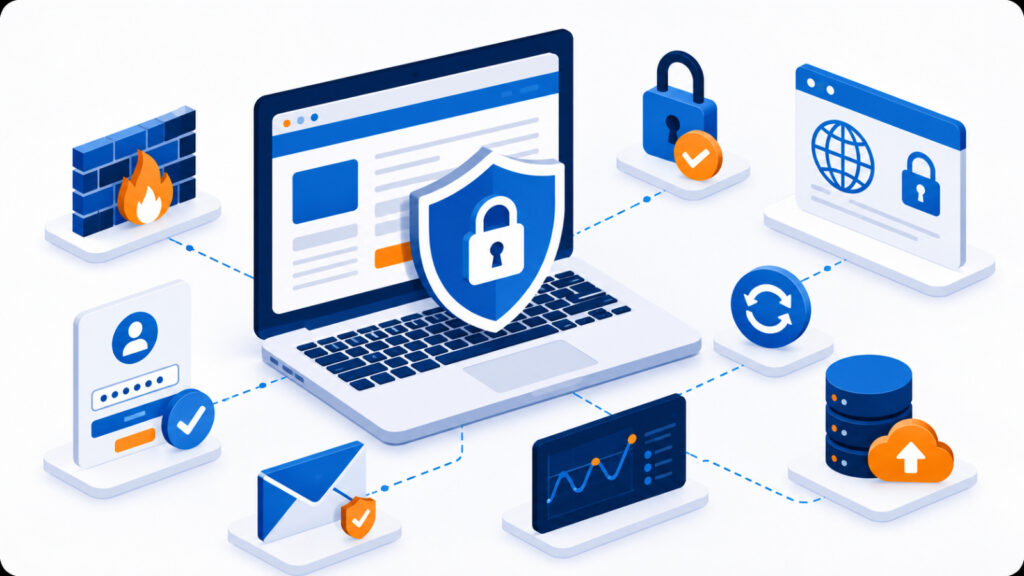
The Website Security Basics Every Business Should Cover
Before adding anything more advanced, make sure these fundamentals are in place first. Each one addresses a specific, common way sites get compromised.
- HTTPS and a valid SSL certificate, so data between your visitors and your server travels encrypted rather than in plain text.
- Regular software updates for your CMS, plugins, and themes, since outdated versions are the most common entry point for automated attacks.
- Strong, unique passwords for your hosting account, admin dashboard, and email, ideally kept in a password manager instead of reused across sites.
- Automated backups stored away from the live server, so a compromised site can be restored quickly instead of rebuilt from scratch.
- Basic malware scanning, through your hosting provider’s tools or a dedicated security plugin, to catch problems before customers do.
Most quality hosting plans already bundle several of these protections by default. If you are unsure whether yours does, check before adding anything else to your setup. This is one of the first things worth comparing when evaluating web hosting options.
Common Mistakes That Undermine Website Security Basics
Even business owners who know the basics often skip them under time pressure. A few patterns show up again and again:
- Delaying plugin or CMS updates because “the site works fine as it is.”
- Sharing one admin login among several staff members instead of creating individual accounts.
- Assuming a backup exists somewhere, without ever testing that it actually restores.
- Treating an SSL certificate as a one-time purchase rather than something needing renewal.
None of these mistakes are dramatic on their own. However, they compound over time. A site with three or four of them stacked together becomes a far easier target than one with none.
The cost of prevention is also far lower than the cost of cleanup. Restoring a hacked site, notifying affected customers, and rebuilding search rankings after a security warning can take weeks. Renewing a certificate or applying an update takes minutes. As a result, the businesses that skip website security basics rarely save time. They just move the cost to a later, more painful date.
Building Security Into Your Routine, Not an Afterthought
The businesses that handle website security basics well rarely do anything exotic. Instead, they schedule a recurring check, perhaps monthly. That check simply confirms updates are current, backups are running, and the SSL certificate has not quietly expired.
Security is rarely broken by a dramatic attack. It is usually broken by a small task nobody got around to.
Therefore, the most effective approach is the least glamorous one: a short, repeatable checklist that someone actually owns. For a growing business, that might mean assigning the checklist to whoever manages the website. It could also mean asking your hosting provider what is already handled on their end. That way, you know exactly what is left for you to cover.
A Simple Starting Point
If your site currently has none of these basics in place, do not try to fix everything in one afternoon. Start with the two that matter most. Confirm your SSL certificate is active, then verify that a recent backup actually restores. From there, work through updates and password hygiene over the following weeks. Small, steady progress beats a rushed overhaul that gets abandoned halfway through.
Website security basics are not a finish line you cross once. They are a habit. Like most good business habits, they pay off precisely because most competitors never bother to build them. If you would rather have this handled for you, our team can walk you through what your current hosting plan already covers.